Blog app
How to install this app??
To install this app first you need to add ‘djgentelella.blog’ to INSTALLED_APPS in the settings file.
 INSTALLED_APPS = [
     ...
     'djgentelella.blog'
]
Then you must add URLs to urls.py as follow:
urlpatterns = [
    path('blog/', include('djgentelella.blog.urls'))
]
Warning
Entries are written in TinyMCE and stored as HTML, which gentelella renders
as-is without sanitizing it. The entry list and detail views are public and
have no permission check, so blog.add_entry and blog.change_entry
amount to the ability to publish arbitrary HTML and JavaScript to every
visitor. Grant them to trusted authors only; if the blog is open to
untrusted writers, sanitize Entry.content and Entry.resume yourself
(for example in the form’s clean_*) before saving.
The URL-name of the first view is ‘blog:entrylist’. Here you can preview the entries and updated them, this view offers a brief description of the entry, as you can see the title and a resumen for each entry. You can also filter by name of the entry or by the category.
In the demo example the command ‘createdemo’ insert an element that redirects to this view, with the following code:
blogentry = MenuItem.objects.create(
    parent = blog,
    title = 'Blog entries',
    url_name ='blog:entrylist',
    category = 'sidebar',  #sidebar, sidebarfooter,
    is_reversed = True,
    reversed_kwargs = None,
    reversed_args = None,
    is_widget = False,
    icon = 'fa fa-build',
    only_icon = False
)
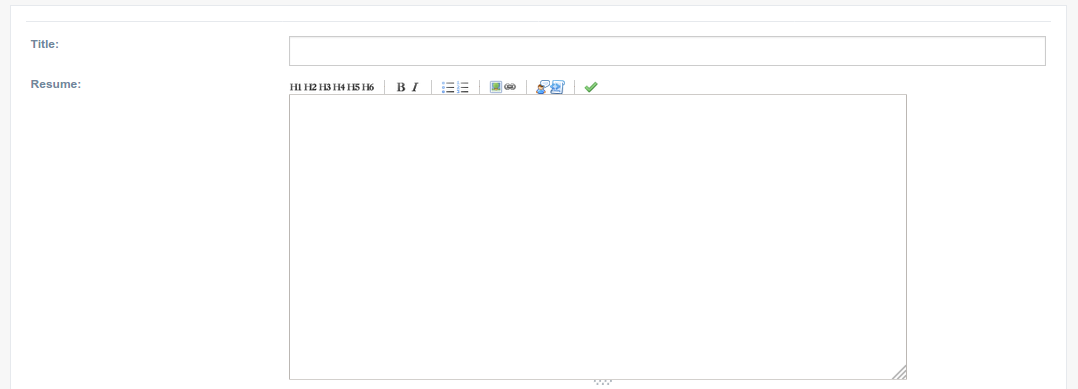
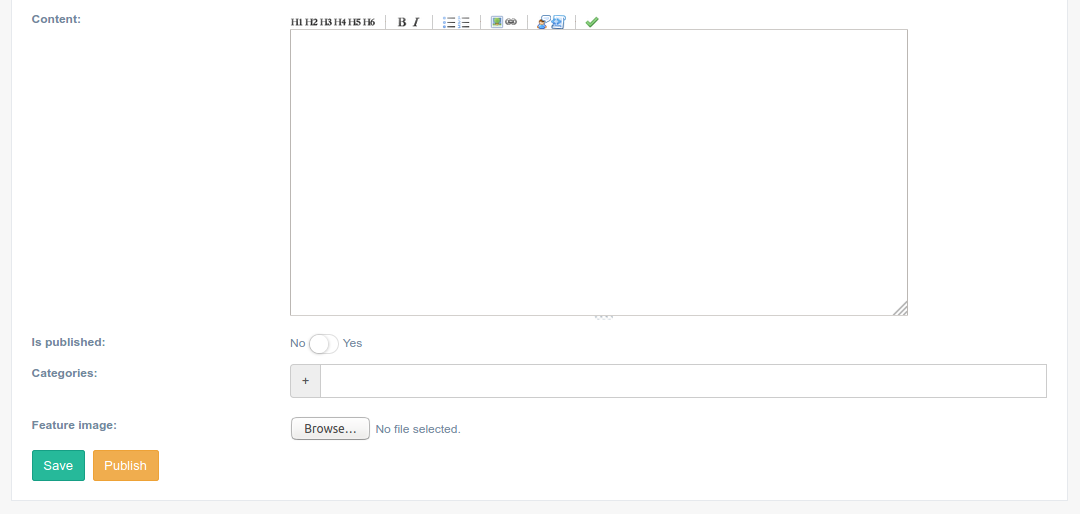
The second view of this app is, ‘blog:entrycreate’ in which you will be able to create new entries. You need to be login in the application to use this view. The following code in the ‘createdemo’ command of the demo inserts an element in the sidebar that redirect to this view.
blogentry = MenuItem.objects.create(
    parent = blog,
    title = 'Create  entry',
    url_name ='blog:entrycreate',
    category = 'sidebar',  #sidebar, sidebarfooter,
    is_reversed = True,
    reversed_kwargs = None,
    reversed_args = None,
    is_widget = False,
    icon = 'fa fa-build',
    only_icon = False
)